PlainLinks
Extract every link on a page or selection: dedupe, filter by text or regex, copy or export to CSV/XLSX. No tracking.
Chrome Web Store link coming soon Add PlainLinks to Firefox — free
What it does
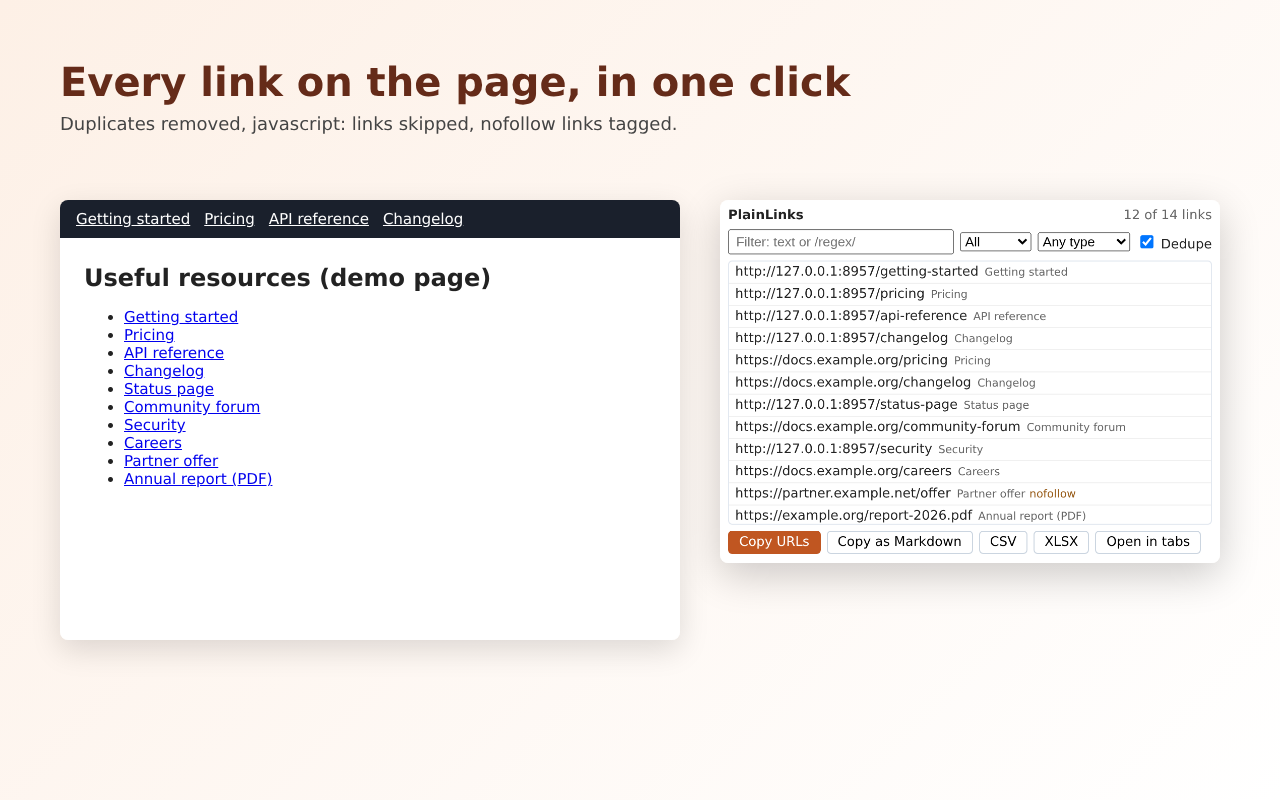
- Removes duplicates automatically (ignoring #anchors) and skips javascript: links
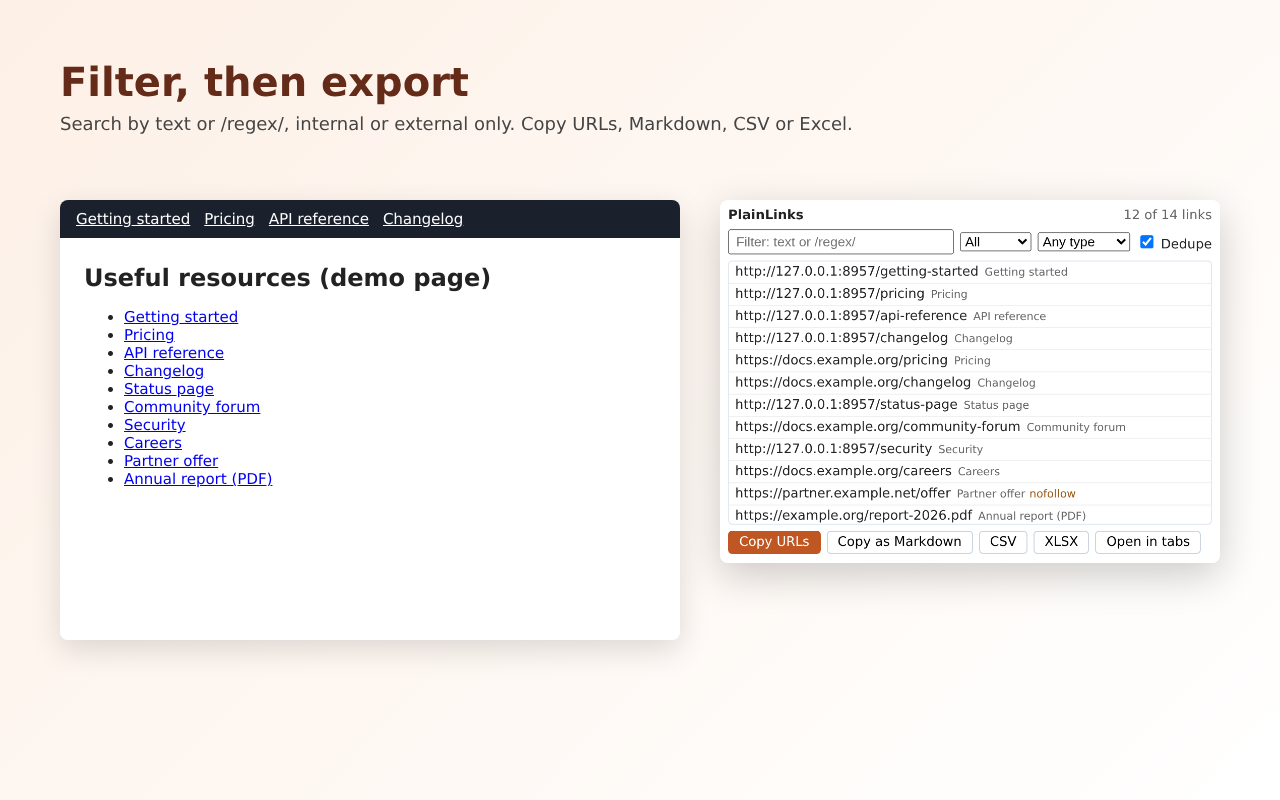
- Filter by text or a /regular expression/, show internal or external links only; nofollow links are tagged
- One-click file-type filter: documents (PDF, Word, Excel…), images, audio/video, archives or plain pages
- Open the filtered links in background tabs
- Copy URLs (one per line), copy as a Markdown list, or export CSV / Excel (.xlsx) with URL, anchor text, rel, new-tab and internal columns
- Works on the whole page or just the text you selected
Price
Free, with no account and no limits.
Privacy
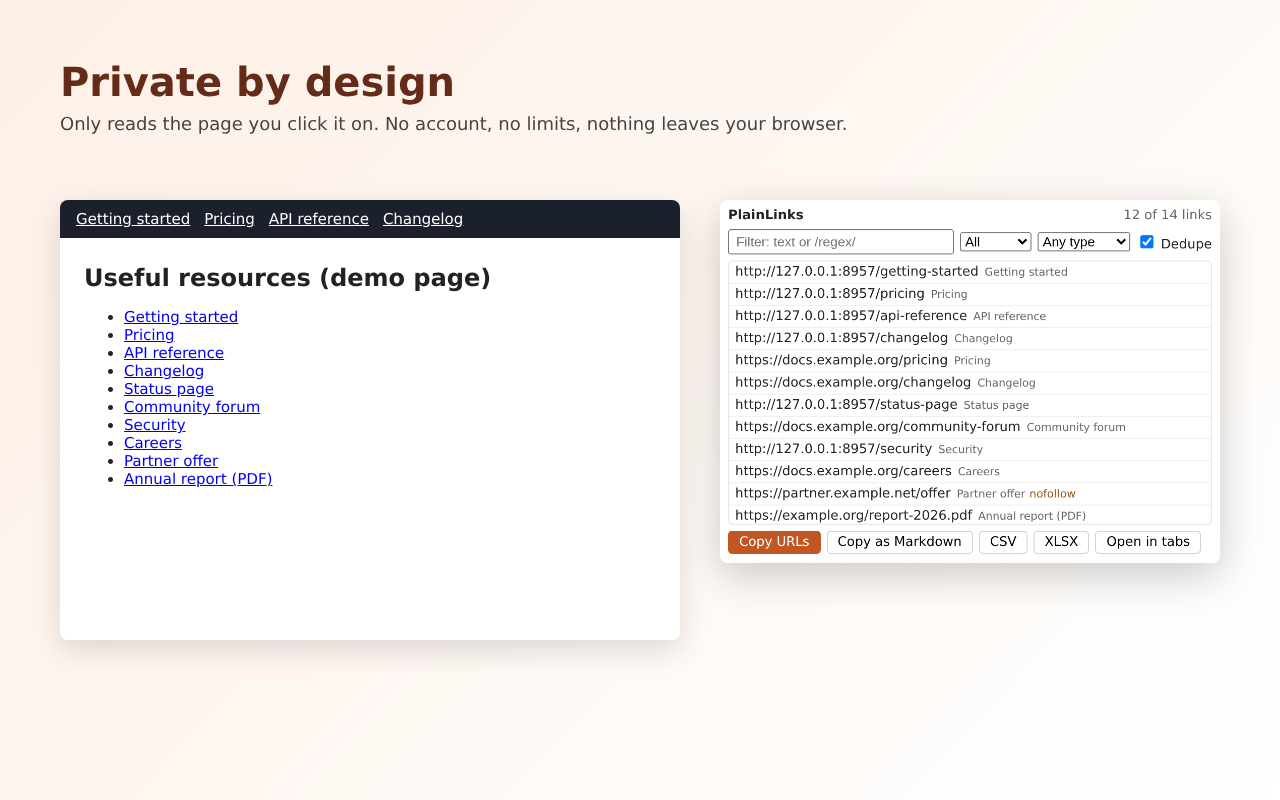
No analytics, no ads, no network requests. Permissions: activeTab and scripting only. Site privacy policy.
Screenshots
PlainLinks is built with AI assistance and maintained by an independent developer. It is open source (MIT). Try the related free web tool: Extract links from HTML. Guide: How to extract all links from a web page.
Frequently asked questions
Is PlainLinks a Link Klipper alternative?
Yes. Link Klipper is no longer available because it was not updated for Manifest V3. PlainLinks extracts the links on a page or selection and exports them to CSV or Excel, which covers the same use.
Can I extract only PDF links?
Yes. Use the documents filter (PDF, Word, Excel and more) or type a regular expression such as /\.pdf$/.
Does it remove duplicate links?
Yes. Duplicates are removed automatically; links that differ only by #anchor count as the same link.
Is it useful for SEO audits?
Yes. Exports include the rel attribute (nofollow is tagged) and whether each link is internal or external.
Can I try it without installing?
Yes — paste HTML into the free link extractor on this site.