MDGrab
Turn any article or selection into clean Markdown for Obsidian, notes or LLM prompts. No signup, no limits, no tracking.
Chrome Web Store link coming soon Add MDGrab to Firefox — free
What it does
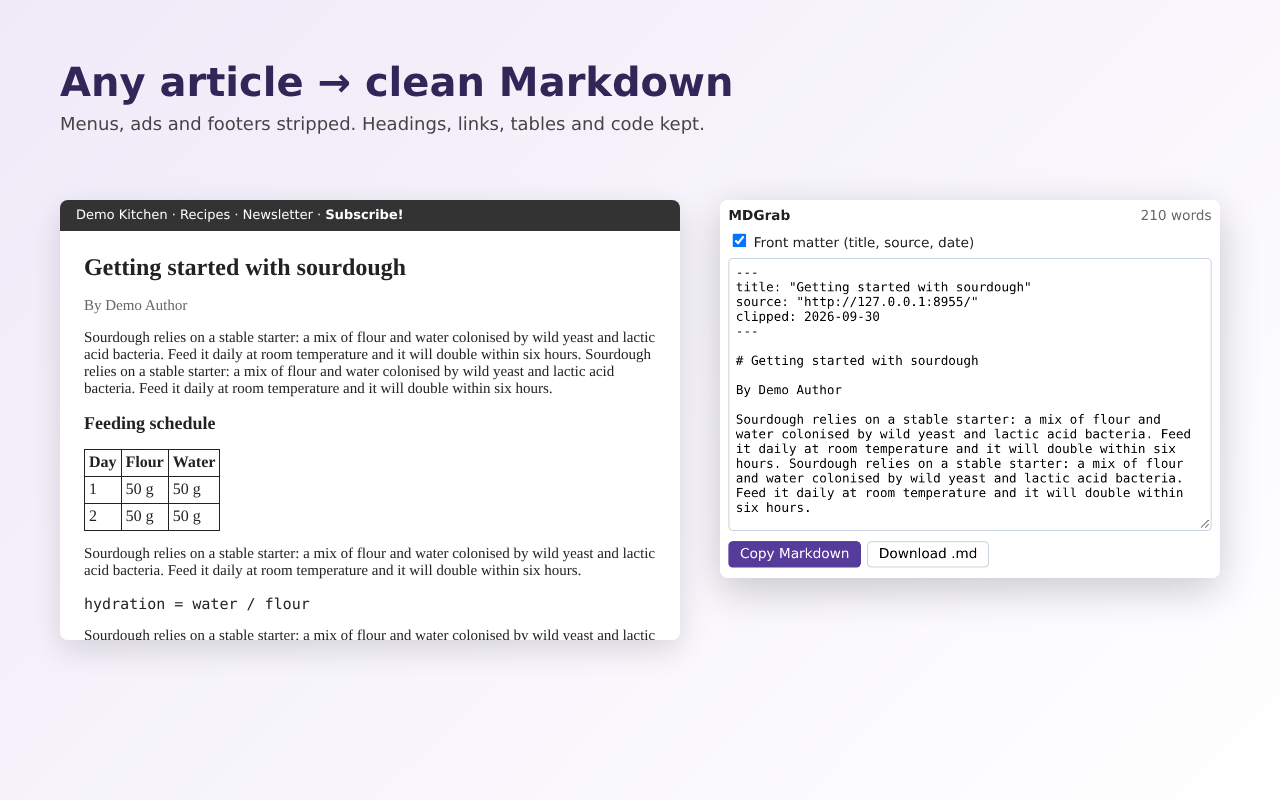
- Strips navigation, ads and footers (Mozilla Readability, the engine behind Firefox Reader View)
- Keeps headings, links (made absolute), images, lists, GitHub-flavoured tables and code blocks with language hints
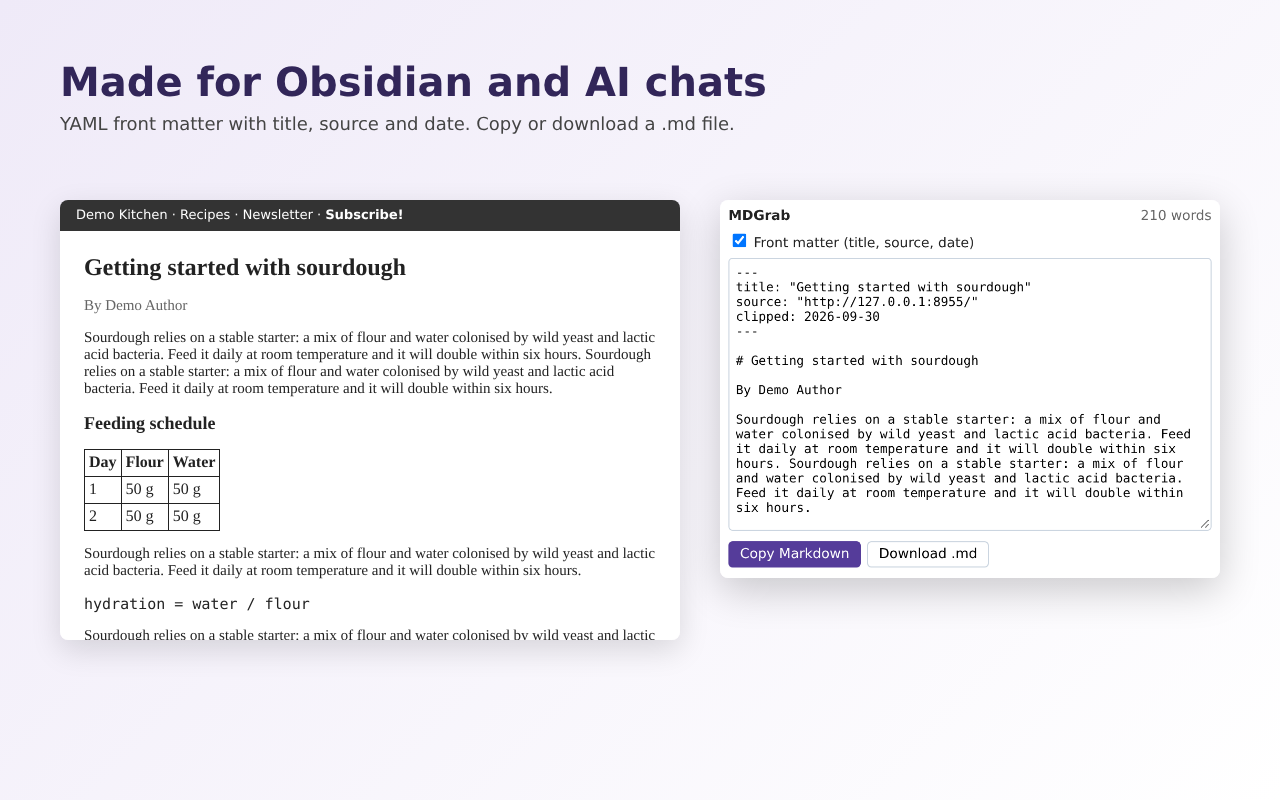
- Optional YAML front matter: title, source URL, author, date — handy for Obsidian vaults
- Discussion threads keep their comments: Hacker News, Lobsters and GitHub issues, PRs and Discussions (Reddit supported too)
- Select text first to clip just that part
- Copy to clipboard or download a .md file
Price
Free, with no account and no daily limits.
Privacy
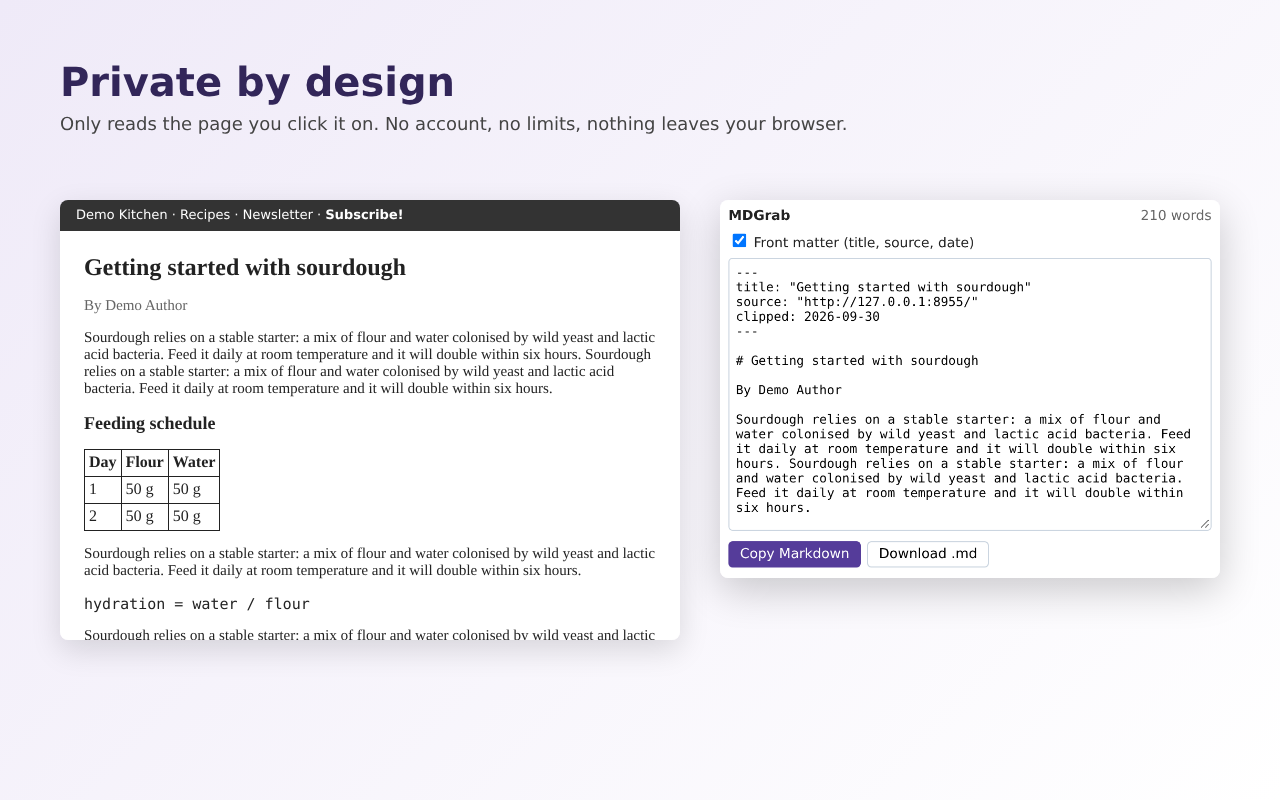
No analytics, no ads, no network requests; all libraries are bundled. Permissions: activeTab and scripting only. Site privacy policy.
Screenshots
MDGrab is built with AI assistance and maintained by an independent developer. It is open source (MIT). Try the related free web tool: HTML to Markdown converter. Guide: How to convert HTML to Markdown in Python. Guide: How to convert a web page to Markdown (for notes and LLMs).
Frequently asked questions
Is MDGrab a MarkDownload alternative?
Yes. MarkDownload was removed from the Chrome Web Store in 2025. MDGrab does the same core job — converting the current page or a selection to Markdown — using Mozilla Readability for article extraction.
Does it work with Obsidian?
Yes. Turn on YAML front matter to get title, source URL, author and date at the top of the note, then paste or save the .md file into your vault.
Are there daily limits or a signup?
No. MDGrab has no account, no daily limits and no ads.
Does it keep tables and code?
Yes. Tables become GitHub-flavoured Markdown tables and code blocks keep their language hints where the page provides them.
Can I convert HTML without installing?
Yes — paste HTML into the free HTML to Markdown converter on this site.